
Word to PDF
Many people need to convert Word documents to PDF. A PDF is a fixed file that looks the same on any device. It does not change when you open it on a different computer or send it by email. The ResizeLab Word to PDF converter turns your DOCX files into PDFs directly in your browser. No upload, no signup, no software to install.
Convert Word to PDF Online
The ResizeLab Word to PDF converter is a browser-based tool. You open the page, select your DOCX file, and the converter does the rest. It uses Mammoth.js to read the Word document and pdf-lib to build the PDF. Both libraries run inside your browser. Your file is never uploaded to a server.
The converter handles the most common Word document features: text, headings, paragraphs, lists, tables, and images. The output is a standard PDF file that opens in any PDF reader.
You can convert one file at a time or drop multiple DOCX files and get a batch ZIP. The converter works on desktop, mobile, and tablet. Any modern browser with JavaScript enabled will run the tool.
Why Convert Word to PDF?
Word documents are editable. PDFs are fixed. There are good reasons to make the switch.
Preserves formatting. A Word document can look different on different computers. Fonts may not match. Spacing may shift. Tables may break. A PDF locks the layout. What you see when you create it is what everyone sees when they open it. This matters for resumes, contracts, and formal reports where appearance is part of the message.
Better for sharing. Not everyone has Microsoft Word or a compatible program. A PDF opens in any browser, any operating system, and any phone. You can send it by email, post it on a website, or share it in a chat. The recipient does not need to install anything.
Professional appearance. PDFs are the standard format for official documents. Contracts, invoices, reports, and legal papers are almost always sent as PDFs. Converting a Word document to PDF before you send it signals that the document is final and ready to read.
Printing quality. PDFs are designed for print. They preserve fonts, colors, and layouts at the exact size you set. A Word document printed on a different printer or computer may look different. A PDF prints the same everywhere.
Works across devices. A DOCX file might not open correctly on a phone or tablet. A PDF works everywhere. The recipient sees the document exactly as you intended, regardless of their device or software.
How to Convert Word to PDF
The process is simple. The tool above handles the conversion after you select a file.
- Upload your DOCX file. Drag and drop the file into the converter or click browse to select it. The converter accepts standard .docx files created in Microsoft Word, Google Docs, LibreOffice, or Apple Pages.
- Conversion happens automatically. The tool reads the document structure, renders the content, and builds a PDF. The conversion runs in your browser using your device’s own processing power.
- Download the PDF. The converted file downloads automatically. If you uploaded multiple files, you get a ZIP archive with all the PDFs inside. The filename is branded for easy identification.
The entire process takes a few seconds for a typical document. A ten-page file converts in under five seconds on most modern computers. The speed depends on your device’s processor and the complexity of the document.
Before & After
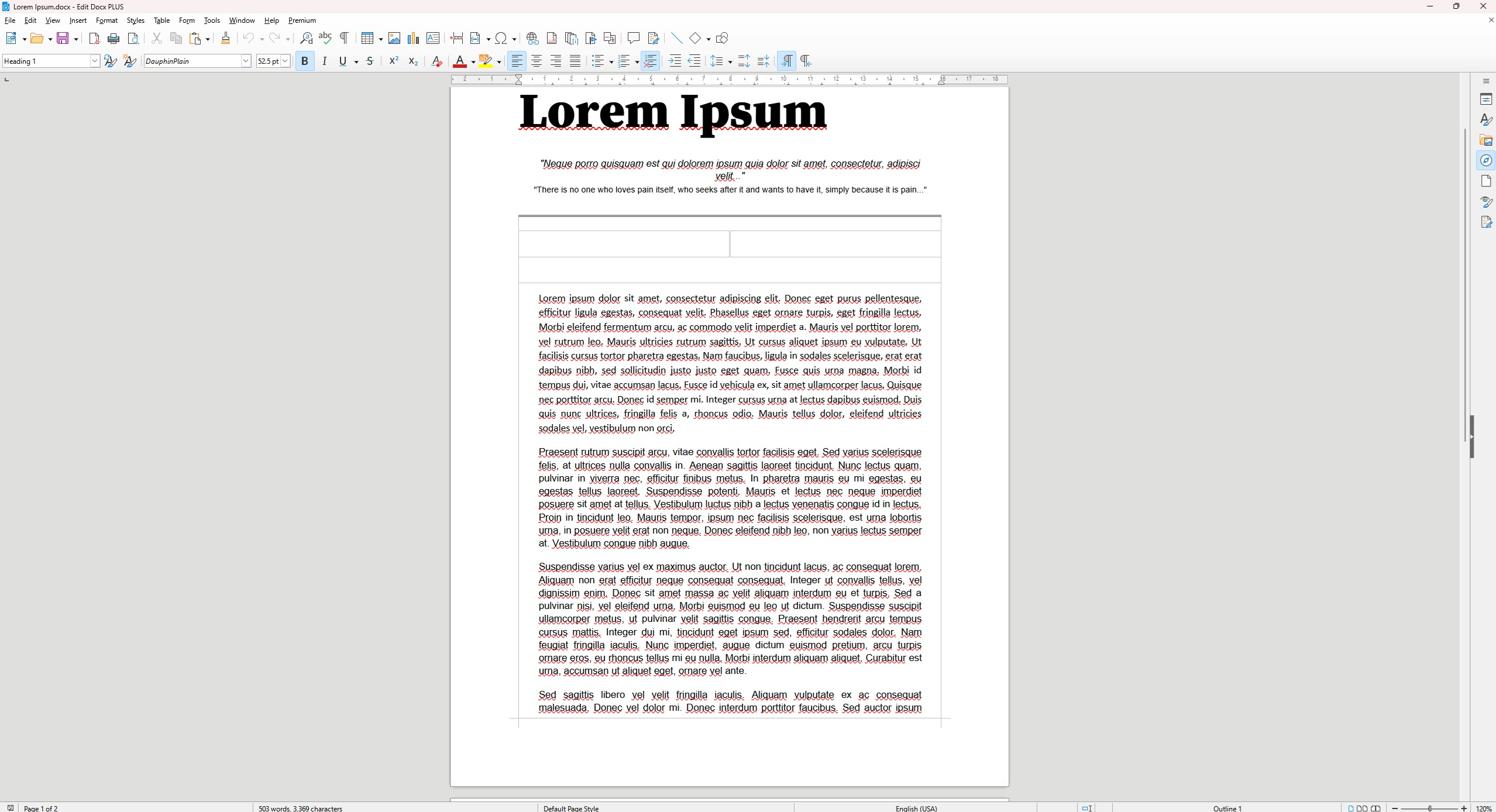
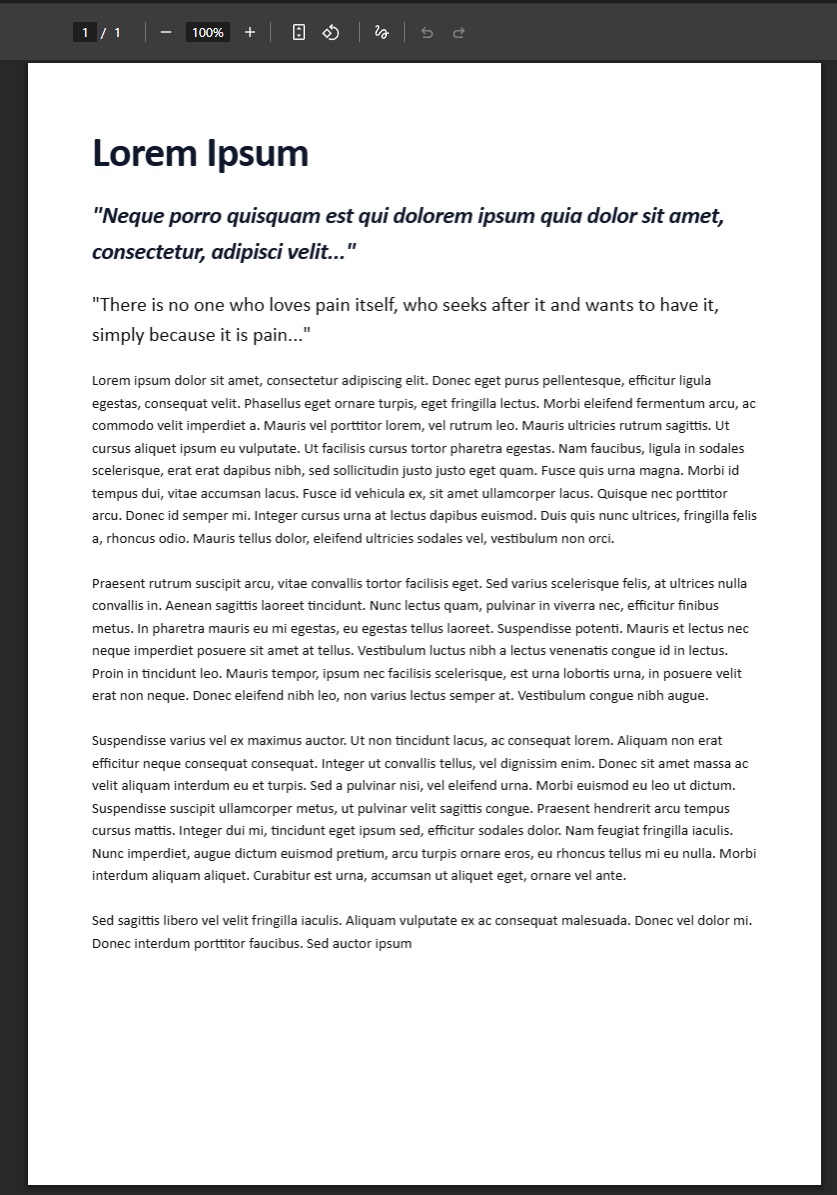
Benefits of PDF Files
PDF is a universal format. It was designed to display documents consistently across any device or software. Here is what that means in practice.
Searchable text. PDFs contain text as actual characters, not just images. This means you can search the document for keywords, copy text, and paste it into other programs. The ResizeLab converter preserves the text layer from your Word document so the PDF remains searchable.
Consistent layout. A PDF stores the exact position of every element on the page. Fonts, margins, spacing, and images stay exactly where you put them. Open the PDF on a Mac, a Windows PC, or an Android phone, and it looks identical.
Smaller file sizes. PDFs are often smaller than Word documents. A DOCX file contains the document text plus formatting data, revision history, and embedded metadata. A PDF strips out the editing information and keeps only the final rendered content. The result is a smaller file that is easier to email and store.
Printing and archiving. PDFs are the standard format for long-term document storage. Government agencies, courts, and businesses use PDFs for records because the format is stable and well-documented. A PDF you create today will open correctly in twenty years.
Common Uses
People convert Word documents to PDF for many reasons. Here are the most common ones.
Resumes. A resume should look the same on every screen. Converting it to PDF prevents formatting changes when the hiring manager opens it on a different device. It also shows the resume is a finished document, not a draft.
Contracts. Legal documents require exact formatting. A contract in Word can be edited by the recipient. A PDF locks the text and layout, making it clear what was agreed to. Most legal professionals require contracts in PDF format.
Reports. Business reports, research papers, and analytical documents often contain charts, tables, and formatted text. Converting to PDF preserves the layout and makes the report easier to share with stakeholders who may not have the same software.
Invoices. An invoice should be a fixed record. A PDF prevents the recipient from changing the numbers or due date. Most accounting software exports invoices as PDFs for this reason.
School assignments. Teachers and professors often require submissions in PDF format. This ensures the document displays correctly regardless of what software the teacher uses to grade it. It also prevents accidental edits after submission.
Business documents. Proposals, memos, meeting notes, and policy documents are commonly shared as PDFs. The format signals that the document is final and ready for review. It also prevents version confusion when multiple people receive the same file.
Frequently Asked Questions
Is Word to PDF free?
Yes. The ResizeLab Word to PDF converter is free to use. There is no signup, no credit card, and no premium tier. You can convert as many documents as you want.
Does PDF preserve formatting?
Yes. A PDF locks the exact layout, fonts, and spacing of your document. The formatting stays the same on any device or operating system. This is the main reason people convert Word to PDF.
Can I convert DOCX to PDF on mobile?
Yes. The converter works on any modern mobile browser. Open the page on your phone or tablet, tap the upload area, select a .docx file from your device, and download the PDF. The process is the same on iOS and Android.
Is my file secure?
Yes. The converter processes files locally in your browser. Your document is never uploaded to a server. It is never stored. It is never transmitted over the internet. The file stays on your device the entire time. Only you and the people you share the PDF with will ever see it.
Can I convert large Word documents?
Yes, within the limits of your device. The converter can handle documents with many pages, large images, and complex tables. Very large files may take longer to process. The converter is limited by your browser’s available memory and your device’s processing speed, not by a server quota.
What is the difference between DOCX and PDF?
A DOCX file is an editable document. It contains text, formatting instructions, and metadata. You can change it, add to it, or delete from it. A PDF is a fixed document. It contains the final rendered pages. You cannot edit a PDF without special software. The DOCX is the working file. The PDF is the finished file.
Conclusion
The ResizeLab Word to PDF converter is a simple, fast, and private way to convert DOCX files to PDF. No installation. No upload. No signup. Just open the page, select your file, and download the PDF. The conversion happens in your browser, so your document never leaves your device.
Convert one file or convert a batch. Use it on desktop or mobile. The tool is free and works on any modern browser. Ready to convert a Word document? Use the converter above or if you would like to see our full list of PDF tools visit our PDF Tools Hub
Free Online Word Tools
Free word document converter tools. Fast, private and browser-based.