
Convert Word to AVIF Without Uploading Anything
Drop a DOCX file into ResizeLab’s Word to AVIF Converter and each page turns into an AVIF image in your browser. No server upload. No queue. No account. The file stays on your computer the entire time.
AVIF is the newest image format built for the web. It produces smaller files than JPG, PNG, and even WebP while keeping visual quality high. When you convert a Word document to AVIF, you get images that load faster, use less bandwidth, and work on every modern browser. This matters if you are embedding document pages into a website, a blog post, or a knowledge base.
Batch conversion works the same way. Add three, five, or ten DOCX files and run them all through one session. The output is a ZIP file of AVIF images, one per page, with filenames you can trace back to the original document.
What is AVIF?
AVIF stands for AV1 Image File Format. It is a modern image format based on the AV1 video codec, developed by the Alliance for Open Media. The format was released in 2019 and has been adopted by browsers, image optimization tools, and content delivery networks at an unprecedented speed.
AVIF is designed for one purpose: maximum compression with minimum quality loss. A typical AVIF image is 30% to 50% smaller than a JPG at the same visual quality. It is also smaller than WebP in most cases. For lossless images, AVIF is 70% to 80% smaller than PNG. The technology is newer, the algorithm is more advanced, and the results are the best available for web images today.
AVIF supports both lossy and lossless compression. It supports transparency. It supports HDR (high dynamic range) color. It supports animation. It handles text and edges with exceptional clarity. For a document page with mixed text, charts, and images, AVIF preserves the sharpness better than any other format.
Browser support is strong and growing. Chrome, Firefox, Safari, and Edge all support AVIF. The format is handled natively on desktop and mobile. Older software and operating systems may not recognize AVIF files, but for web publishing, this is not a problem. Every modern website, CMS, and platform can display AVIF directly.
Learn more about AVIF, compression, browser support and real-world use cases in our complete AVIF guide.
Why Convert Word to AVIF?
Smaller Image Sizes
The primary reason to convert Word to AVIF is file size. A full-page AVIF image from a document is significantly smaller than the same page as a JPG or PNG. A typical 8.5×11 inch page at 150 DPI converts to roughly 200 to 500 KB as AVIF, compared to 800 KB to 2 MB as JPG, and 1 to 3 MB as PNG. If you embed ten document pages, the difference is 2 MB versus 10 MB. This is not marginal. It is the difference between a fast page and a slow page.
Faster Websites
Page speed matters. Google measures it. Users notice it. A slow page loses visitors. AVIF images load faster because they are smaller. The browser downloads fewer bytes. The rendering engine spends less time decoding. The user sees the content sooner. For mobile users on slow connections, the improvement is dramatic. A 3G connection takes 1.5 seconds to download a 500 KB image. A 2 MB image takes 6 seconds. AVIF is the format that makes the difference.
Better Core Web Vitals
Core Web Vitals are the metrics Google uses to measure page experience. Largest Contentful Paint (LCP) measures how long the largest image on the page takes to load. First Contentful Paint (FCP) measures when the first content appears. Both are directly affected by image size. AVIF reduces image size more than any other format, which improves both metrics. A better Core Web Vitals score means better search rankings and better user engagement.
Improved Page Speed
Page speed is not just about the first load. It is about every interaction. A page with heavy images scrolls poorly. The browser drops frames. The experience feels sluggish. AVIF images are smaller, so they decode faster. The page scrolls smoothly. The user stays engaged. For documentation sites, knowledge bases, and blog posts with many images, AVIF is the format that keeps the page responsive.
Reduced Bandwidth Usage
Bandwidth costs money. If you pay for hosting, CDN traffic, or mobile data, AVIF reduces your costs. A 50% reduction in image size means a 50% reduction in bandwidth. For a high-traffic site, this is a real financial benefit. For a user on a limited data plan, it means the site loads without eating their allowance. For everyone, it means faster, cheaper, more efficient content delivery.
Modern Image Optimization
AVIF is the current state of the art. Image optimization services, CDNs, and hosting platforms are all moving to AVIF. Cloudflare, Google Cloud, and Amazon CloudFront all support AVIF. WordPress core added AVIF support in version 6.5. If you are optimizing images for the web today, AVIF is the format you should use. Converting Word documents to AVIF puts your content on the same standard as the rest of the modern web.
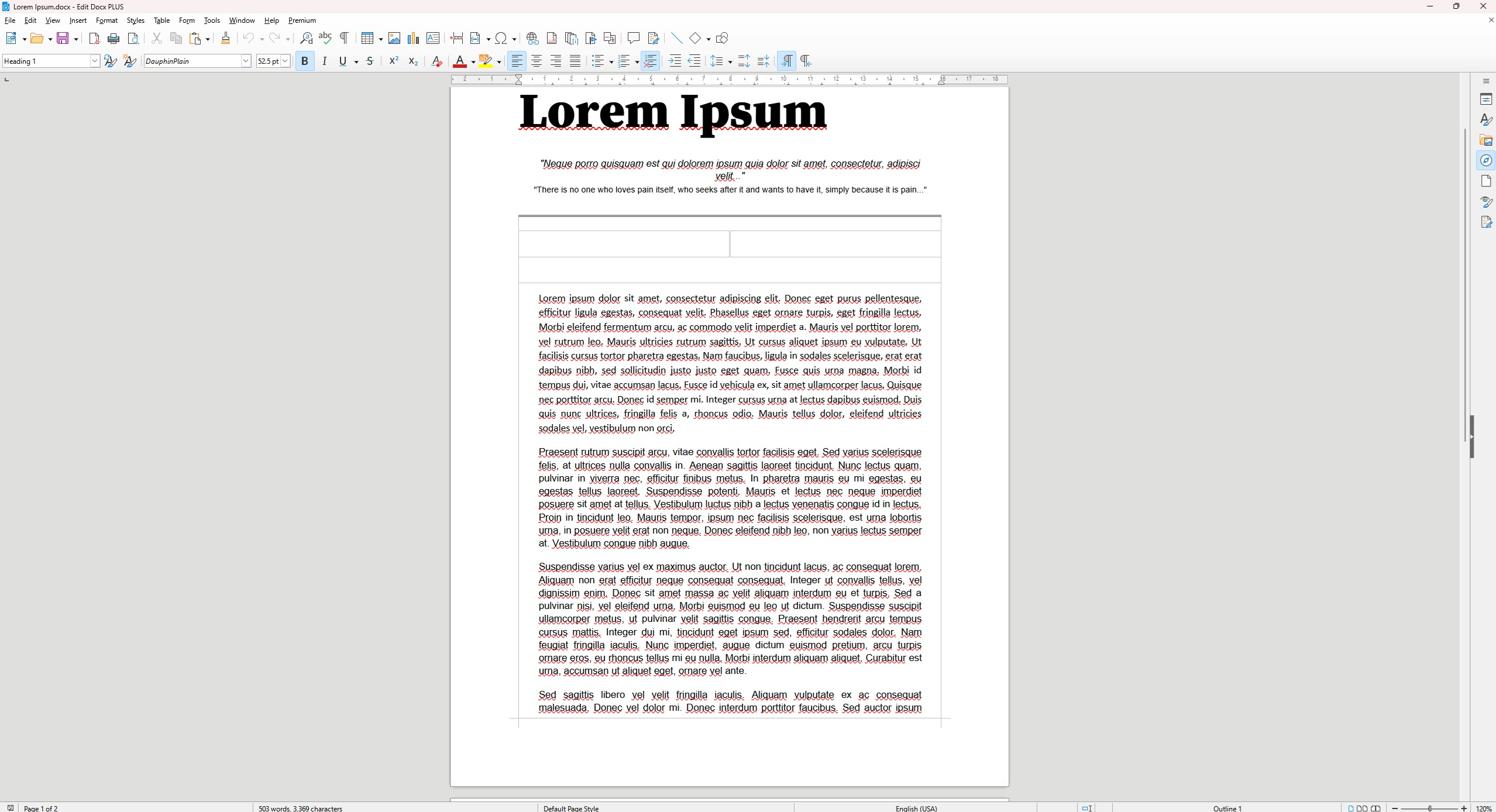
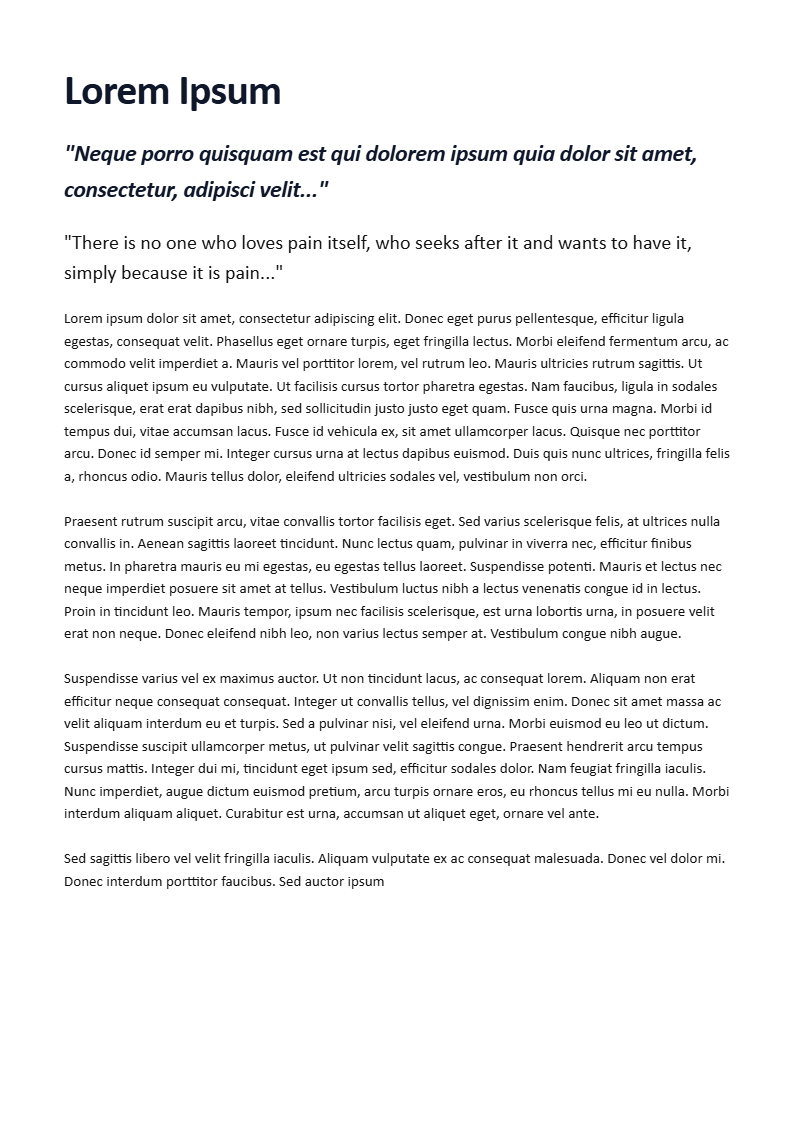
Before & After
Word to AVIF vs JPG
| Comparison | AVIF | JPG |
|---|---|---|
| File size | 30-50% smaller than JPG | Small, but larger than AVIF |
| Image quality | Excellent, sharper edges | Good, softens fine details |
| Compression | Advanced, newer algorithm | Older, less efficient |
| Browser support | All modern browsers | Universal |
| Website performance | Best available | Good, but not optimal |
AVIF beats JPG on every metric that matters for the web. The only advantage JPG has is universal compatibility with very old software. For websites, blogs, and modern applications, AVIF is the better choice.
Word to AVIF vs PNG
| Comparison | AVIF | PNG |
|---|---|---|
| Transparency | Yes | Yes |
| File size | 70-80% smaller than PNG | Large, especially for documents |
| Quality | Excellent, lossless option | Lossless, but bloated |
| Web usage | Ideal for modern sites | Overkill for most web use |
| Compatibility | Modern browsers | Universal |
PNG is the right choice for editing, archival, or when you need a lossless copy you can manipulate later. For publishing on the web, PNG is unnecessarily large. AVIF gives you the same quality in a fraction of the space.
Word to AVIF vs WebP
| Comparison | AVIF | WebP |
|---|---|---|
| Compression | More efficient, newer codec | Efficient, but older than AVIF |
| Quality | Better at low bitrates | Good, slightly behind AVIF |
| Browser support | Modern browsers | Modern browsers |
| Website performance | Best | Very good |
| Recommended use | Maximum compression | Broader software support |
WebP is an excellent format. AVIF is better. The difference is 20% to 30% smaller files at the same quality. If your audience uses modern browsers and your priority is the smallest possible file, AVIF is the right choice. If you need slightly broader compatibility with desktop software, WebP is a safe fallback.
When Should You Use AVIF?
AVIF is the right format for any image that will be displayed on the web. Here are the specific cases where converting Word to AVIF makes the most sense. If you need to convert any images to AVIF use our image tools hub to find the right tool
Websites
Every image on a website should be AVIF. Backgrounds, banners, screenshots, and product photos all load faster and look better. Google recommends AVIF. Content delivery networks serve AVIF. If your site is still using JPG or PNG, you are leaving performance on the table. Converting Word document pages to AVIF lets you treat document content as web content at the highest standard.
Blogs
Bloggers often embed formatted text, tables, or charts from Word documents. Recreating the formatting in a blog editor is tedious and often breaks. A screenshot or converted image is faster. AVIF is the best format for this because the file is small, the quality is high, and the image loads instantly. The reader sees the content without waiting for a heavy PNG to download.
Documentation
Technical documentation, API guides, and help articles often include screenshots of formatted documents. AVIF is the best format for documentation because the images are small enough to store in the documentation system without inflating the database, and they load fast enough that the reader never sees a spinner. For teams that share procedures and specs through a documentation platform, converting Word to AVIF is the most efficient workflow.
Online Portfolios
Designers, writers, and consultants often include document pages in their portfolios. A resume, a report, a proposal, or a case study looks professional when displayed as an image. AVIF is the best format for this because the portfolio loads fast, the image is sharp, and the file is small enough to email or share. The alternative is a PDF, which is harder to embed, or a PNG, which is too large.
Product Images
Product pages that include documentation, manuals, or guides often display document pages as images. AVIF is the best format for this because the product page loads fast, the images are sharp, and the user can zoom in without losing quality. For e-commerce sites with detailed product documentation, AVIF is the standard that keeps the page fast and the content clear.
Landing Pages
Landing pages need to load fast. Every millisecond of delay increases the bounce rate. AVIF images are the smallest available, so they load the fastest. If your landing page includes screenshots, testimonials, or document previews from Word, convert them to AVIF and the page will perform better.
Modern Web Applications
Web applications that display documents, reports, or user-generated content need a format that loads fast and renders sharp. AVIF is the best choice for this. The application stays responsive. The user experience is smooth. The data usage is minimal. For any modern web app that handles document content, AVIF is the format that delivers the best performance.
How to Convert Word to AVIF
The process is simple and takes seconds.
- Upload your DOCX file. Drag the file into the tool or click to browse. The tool accepts standard .docx files from Microsoft Word, Google Docs, LibreOffice, and other word processors.
- Wait for conversion. The tool renders each page in your browser using Mammoth.js and html2canvas. The speed depends on your device and the document size. A one-page resume takes less than a second. A 50-page report takes 10 to 30 seconds.
- Download the AVIF images. Single-page documents download as one AVIF file. Multi-page documents download as a ZIP archive containing one AVIF per page.
- Use them anywhere. AVIF works on every modern website, CMS, and browser. Upload the image, embed it, or share it directly.
Everything happens locally. No data leaves your device. The conversion engine does not require an internet connection after the page loads.
Benefits of AVIF Images
Better Compression Than JPG
AVIF uses a more advanced compression algorithm than JPG. The result is smaller files at the same quality. For a document page with text, the difference is significant. AVIF preserves sharp edges where JPG softens them. The file is smaller, but the text is clearer. This is the advantage of a modern codec.
Better Compression Than PNG
PNG is lossless, which means no quality is lost. AVIF can also be lossless, and in that mode, the file is 70% to 80% smaller than PNG. For a document page, the PNG is often 2 MB. The lossless AVIF is 400 KB. The visual quality is identical. The file size is not.
Often Smaller Than WebP
WebP is the previous best format. AVIF is better. The files are 20% to 30% smaller on average. For some images, the difference is 50%. The quality is the same or better. The browser support is the same. The only reason to choose WebP is if you need a format that is slightly more widely supported by desktop software. For the web, AVIF is the current standard.
HDR Support
AVIF supports high dynamic range color. This means it can display more colors, brighter whites, and deeper blacks. For most document pages, this is not relevant. But for documents that include rich graphics, charts, or photographs, the HDR support means the image can preserve the full range of the original.
Transparency Support
AVIF supports transparent backgrounds, just like PNG. For document pages that need to overlay on a colored background, AVIF is the best format. The file is smaller than PNG, and the transparency is preserved. For web design, app interfaces, and layered graphics, this is a critical feature.
Modern Web Standard
AVIF is not a niche format. It is the standard that Google, Cloudflare, and every major platform is moving toward. WordPress supports it. Browsers support it. CDNs support it. If you are optimizing images for the web in 2025, AVIF is the format you should use.
Common Use Cases
Website Publishing
Publish document pages as images on your website. AVIF is the best format for this because the page loads fast, the images are sharp, and the bandwidth is minimal. The alternative is to paste the text and recreate the formatting, which is slow and error-prone.
Blog Content
Embed formatted document pages in blog posts. A quote, a chart, a table, or a report page looks better as an image than as plain text. AVIF is the best format for this because the file is small, the quality is high, and the image loads instantly.
Documentation Screenshots
Convert Word documents to AVIF for use in technical documentation, help articles, and API guides. The images are small enough to store in the documentation system, and they load fast enough that the reader never waits. For teams that share procedures and specs, this is the most efficient workflow.
Product Guides
Include product documentation, manuals, and guides as images on product pages. AVIF is the best format for this because the product page loads fast, the documentation is clear, and the user can zoom in without losing quality. For e-commerce sites with detailed product information, AVIF is the standard.
Technical Manuals
Convert technical manuals to AVIF for use in training materials, online courses, and internal wikis. The images are small, the text is sharp, and the format is supported by every modern platform. For organizations that share technical content, AVIF is the most efficient format.
Digital Publishing
Publish books, reports, and whitepapers as images on digital platforms. AVIF is the best format for this because the images are small, the quality is high, and the format is supported by every modern browser. For publishers that distribute content online, AVIF is the standard that delivers the best performance.
Frequently Asked Questions
What is an AVIF file?
AVIF is an image file format based on the AV1 video codec. It is designed for maximum compression with minimum quality loss. AVIF files are smaller than JPG, PNG, and WebP at the same visual quality. The format is supported by all modern browsers and is the current standard for web image optimization.
Is AVIF better than JPG?
Yes, for the web. AVIF produces smaller files at the same or better quality. Text and edges stay sharper. Compression is more efficient. The only reason to use JPG is if you need to send the image to someone using very old software that does not support AVIF. For websites, blogs, and modern applications, AVIF is better.
Is AVIF better than WebP?
Yes, for maximum compression. AVIF is 20% to 30% smaller than WebP at the same quality. The quality is the same or better. The browser support is the same. The only reason to choose WebP is if you need slightly broader compatibility with desktop software. For the web, AVIF is the current standard.
Is AVIF supported by all browsers?
All modern browsers support AVIF. Chrome, Firefox, Safari, Edge, and Opera all display AVIF images natively. Older browsers and very old software may not support it. For the web, the support is universal. For desktop editing, you may need to use GIMP, Photoshop, or an online converter.
Can I convert DOCX to AVIF for free?
Yes. ResizeLab’s Word to AVIF converter is free. There is no charge, no limit, and no premium tier. Convert as many documents as you need.
Is my file secure during conversion?
Yes. The file is processed entirely in your browser. It is never uploaded to a server. The conversion engine does not send your data to a third party. The output is generated locally and downloaded to your device. This is the most secure way to convert a document because there is no server to breach, log, or leak your data.
Can I use AVIF images on my website?
Yes. Every modern website, CMS, and platform supports AVIF. WordPress, Ghost, Medium, and every other major platform handles AVIF natively. You can upload AVIF images directly, embed them in posts, and use them in themes. The browser support is universal on modern devices.
Why are AVIF files smaller?
AVIF uses a more advanced compression algorithm than JPG, PNG, or WebP. The AV1 codec is designed for video, and the image format inherits the same efficiency. The algorithm removes redundant data more aggressively while preserving the visual quality that the human eye can perceive. The result is a file that is smaller but looks the same.
Conclusion
AVIF is the best image format for the web. It is smaller than JPG, PNG, and WebP. It supports transparency and HDR. It is supported by every modern browser. And it delivers the best image quality at the smallest file size.
ResizeLab’s Word to AVIF converter gives you all of this with zero setup. The conversion runs in your browser, so your files stay private. The output is a set of AVIF images, one per page, ready to embed, share, or publish. Whether you need a single page for a blog post or a full report for a knowledge base, convert your DOCX to AVIF and get the fastest, most efficient output available.
Free Online Word Tools
Free word document converter tools. Fast, private and browser-based.